pxart 0.1.0 free software, MIT licensed
Pixel art
as text.
A sprite is a small plain-text file: a palette, then a grid of characters. It renders to PNG. Language models can write it, git can diff it, and you can read it.
$ pip install git+https://github.com/thethirdbearsolutions/pxartOne Python file. Pillow is its only dependency.
01 Write, render, look, fix
The tool is built for one loop. Every step is plain text in and a picture or a number out, so a person or a model can run it.
- write
k #3f2631 g #43e1b3 y #fee761 ....kkkk.... ...kggggk... ..kgyggygk.. ...kggggk... ....kkkk....Type rows of palette keys in any editor. The sprite's size is the grid's size: there's nothing to declare or count.
- render
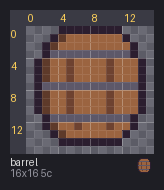
pxart renderdraws each pixel as a block, with a grid and coordinate rulers so you can count pixels. - look
$ pxart anim hero.px:walk/down walk/down/1 110ms vs walk/down/0: shift +0,+1 then 26px (7%) (no shift: 205px) walk/down/2 110ms vs walk/down/1: shift -1,-1 then 82px (23%) (no shift: 278px)anim,onion,statsanddiffprint what changed as numbers, so a 1px jump that's too faint to see still shows up. - fix
$ pxart check face.px FAIL face.px: 1 error(s) face.px:8: E_UNKNOWN_KEY (row 2, x=[8]): keys 'q' aren't in the palettecheckreports every problem at once, each with a stable code, a line and a pixel. Edits rewrite only the lines that changed.
02 Why text?
A model can write it
A sprite is characters on a grid, with no binary format and no coordinates to get wrong. A language model writes the rows, renders them, reads the numbers and fixes what's off, in the same loop you'd use.
Git can diff it
--- face.px
+++ face.px
@@ -9 +9 @@
-...kggggk...
+...kgyygk...
Two pixels changed, so the diff is two characters. Review art in a pull request the way you review code.
You can read it
Open any .px in an editor and the picture is right there. Comments say what each key is for, and shared palette files keep a whole pack on the same colors.
03 What it does
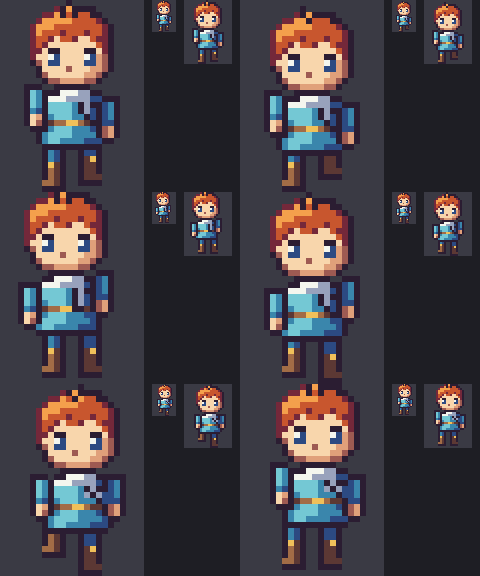
Animation you can measure
Frames, timing and pivots in the file. anim prints what moved between frames once the whole-body bob is removed, so a walk cycle that's secretly a bob shows up as a number.
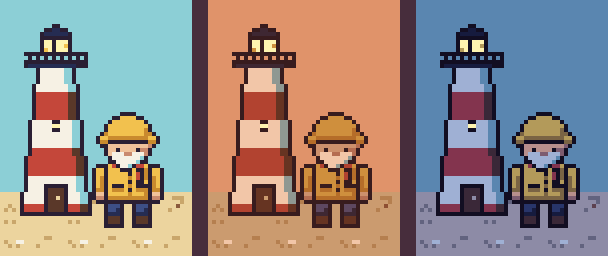
Day, dusk and night
A @variant recolors a palette. Derive a night from the base colors, fit a dusk to another pack's, and keep the lamps lit.
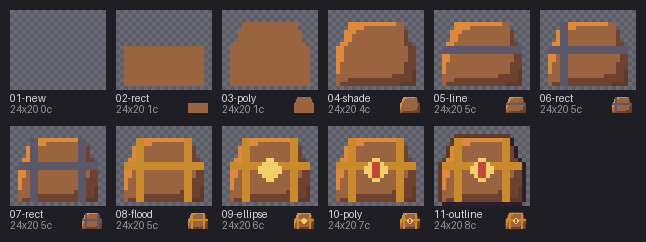
Drawing commands
Lines, polygons, pixel-clean ellipses, fills, light-aware shading and outlines, for sprites too big to type pixel by pixel.
Scenes from tilemaps
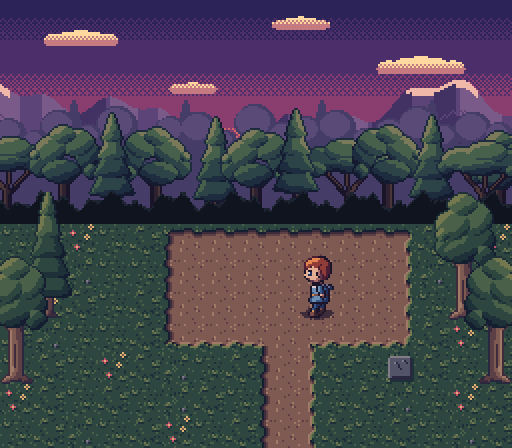
A text .map of tiles, in layers, becomes a level: as a PNG, as a .px frame, or as a Tiled world.
Compose across packs
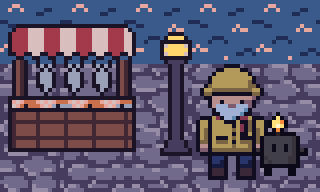
Stack sprites from packs whose colors clash. Conflicts are reported key by key, and --rekey resolves them without touching the sources.
In and out
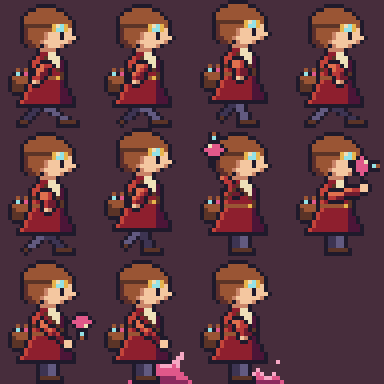
Slice a sprite sheet into frames and prove the import lossless. Export to PNGs, to Aseprite sheets with tags, or to Tiled tilesets.