Tutorials
Nine short tutorials, each in its own folder, each ending with a picture you made. They start from what a .px sprite file is and build up to animations, day-and-night palettes, whole scenes, and getting art in and out of other tools. Every step is one small command, with its output and its picture.
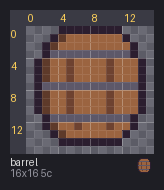
Format basics
palette lines and a grid; @palette; render; palette --import
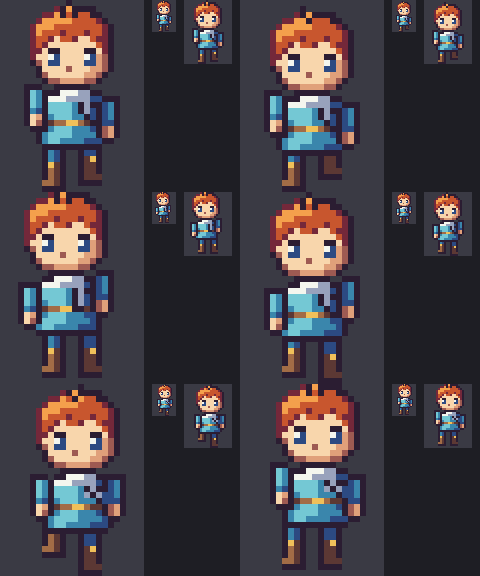
Animation
@anim, @frame, ms, pivots; sheet; anim and its numbers; onion --feet
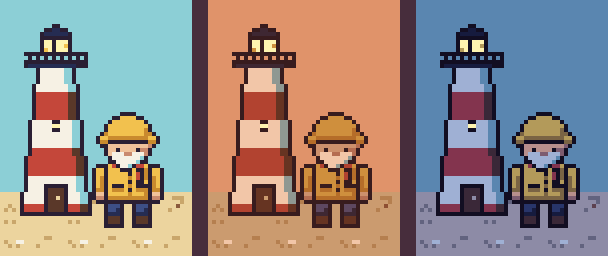
Palette variants
@variant, %VARIANT; palette --derive-from --keep-lit, --add; the palette listing
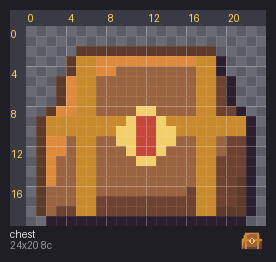
Drawing tools
new, rect, poly, shade, line, flood, ellipse, outline
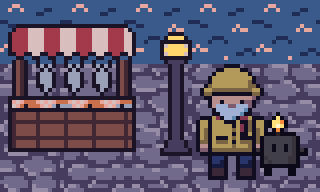
Compose across packs
compose, the E_KEY_CONFLICT error, --rekey, --variant-map
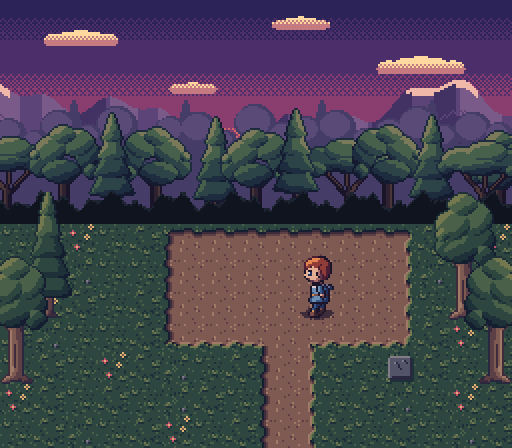
Scenes and maps
a layered .map; check; scene --map, --variant dusk; compose --map
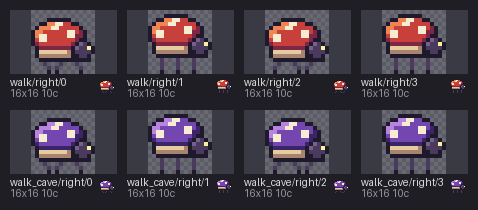
Import from PNG
from-png --grid; diff, and diff -o for a picture
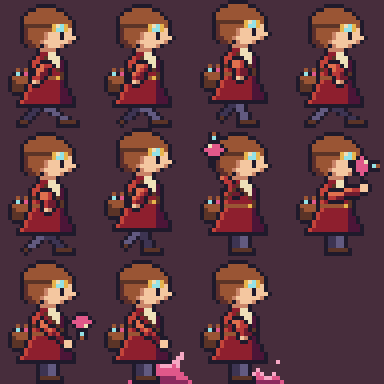
Export
export --aseprite, --tiled, --frames
Checking
check and its error codes; stats --colors
Setting up
Each tutorial runs pxart as a command. Either install it:
pip install git+https://github.com/thethirdbearsolutions/pxartor point an alias at the script in this repo (/path/to being where you cloned it):
alias pxart='python3 /path/to/pxart.py'Then open an example's README. Its "Before you start" copies just that example's source
files into a new folder (~/pxart-01 and so on) and moves you there, so every output is
made fresh and prints exactly what the README shows. Running the commands in the folder
here would overwrite the files it comes with.
How these stay correct
Each folder holds the .px sources, the commands, and everything they produce, all
committed. build.sh regenerates every output from the sources, and
tests/test_examples.py rebuilds them and checks each is byte-identical, and that every
output a README quotes is what the command really printed. So the tutorials can't drift
from the tool.
After changing a source (or pxart itself), rebuild and commit what changed:
examples/build.sh                 # in place
examples/build.sh /tmp/ex         # or into another directory
PYTHON=.venv/bin/python examples/build.sh
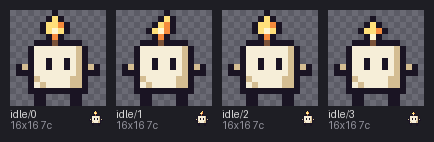
The art is from our own packs (the lighthouse keeper, the harbor market, Wick) and our own sprites (the SNES-scale hero and glade, the alchemist and her beetle), released with this repo.
examples/README.md in the repository.Edit on GitHub